
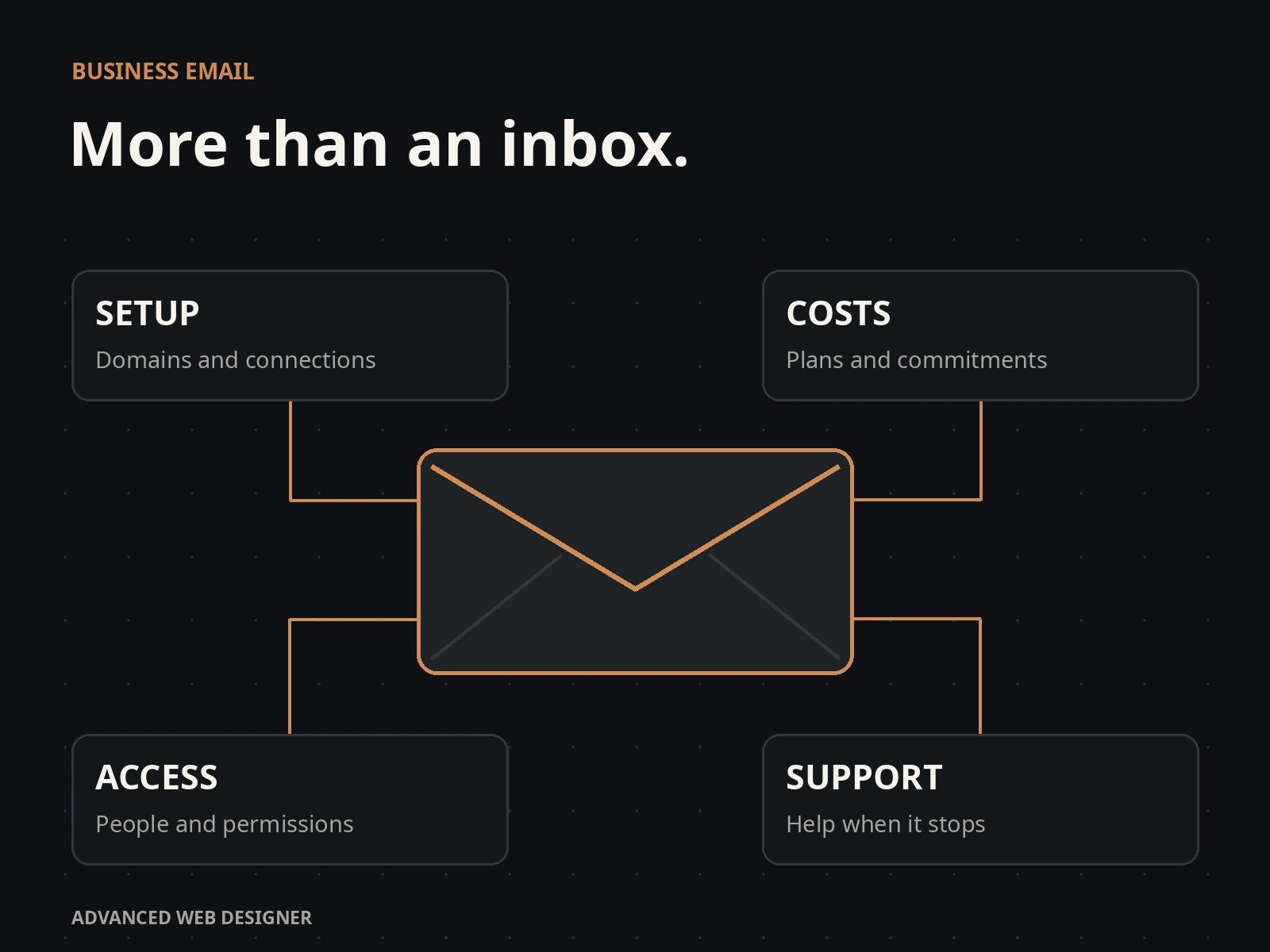
Paying Google or Microsoft does not mean your business email is properly set up.
You still need enquiries to arrive, quotes to reach customers and staff to know who is replying. Someone has to connect the website, manage access, check backups and deal with failures. A subscription does not take responsibility for all of that.
For a small business, these systems can become far more complicated than the job requires. Add recurring charges, contract commitments and dependence on the provider, and the familiar choice deserves a harder look.
I no longer recommend Google Workspace or Microsoft 365 as the automatic starting point for a business that mainly needs straightforward email. Here is why, what to check and the alternative I would consider.
Provider facts and prices checked on 13 October 2026. Examples marked “Illustrative example” are invented to explain a problem. The documented case and client example are identified separately.
Complicated setup
“Set up business email” sounds like a quick job. Doing it properly means more than creating a password and putting a logo in your signature.
- Connect the domainProve you own it and tell incoming messages where to go.
- Authorise outgoing mailConfigure the records that help other providers verify your messages.
- Set up people and addressesDecide who can read, reply and manage each mailbox.
- Connect other softwareYour website, quoting system and scanner may need their own setup.
- Move existing messagesPreserve useful history and check that the move worked.
- Test the whole processSend, receive, reply and test recovery before relying on it.
Google and Microsoft both require domain configuration for business email. Their guidance also covers sender authentication, commonly called SPF, DKIM and DMARC. An owner should not need to learn those acronyms just to send a price for a new kitchen.
Some hosts automate parts of the job. The remaining work still needs an owner. The drawback is the administration you inherit when nobody is handling it for you.
Setup references: Google Workspace domain configuration · Microsoft email configuration.
These foundations also apply to other providers. A smaller service is useful when it simplifies the work and comes with someone who will finish the setup.
Paying for things you do not need
If your business depends on shared spreadsheets, online meetings and collaborative documents, a suite can earn its price. If you mainly read enquiries and send quotes, start by pricing that job.
Multiply the advertised monthly price by the number of people and by twelve. Then add setup, support and any extra services. That is the bill to compare.
Subscription costs only. These plans include different tools and storage. Domains, migration, backup products and managed support are excluded. Shared addresses are not automatically counted as additional users. Standard prices checked 13 October 2026; promotional offers excluded.
Annual costs for one, five and ten people
| People | Google Starter | Microsoft Basic, no Teams | Exchange Plan 1 |
|---|---|---|---|
| 1 | £70.80 | £50.40 | £37.20 |
| 5 | £354.00 | £252.00 | £186.00 |
| 10 | £708.00 | £504.00 | £372.00 |
Microsoft itself sells an email-focused Exchange plan. That matters: a fair comparison includes the cheaper option, rather than pretending every business must buy a full suite.
Published prices: Google Workspace · Microsoft 365 · Exchange Online.
Contracts and cancellation
A monthly payment does not necessarily mean a monthly contract. Check the commitment before you subscribe.
On Google’s annual plan, you can add licences during the term, but reduce them only at renewal. Cancelling early leaves the remaining contract balance payable. Its flexible plan has different terms.
Microsoft’s cancellation rules depend on the agreement and purchase route. For qualifying Microsoft Customer Agreement subscriptions, the normal window for cancellation with a prorated refund is seven days after purchase or renewal. Outside that window, turning off renewal generally leaves the current term running.
Ask for the renewal date, minimum commitment and cancellation process in writing. Include the reseller’s terms if you bought through one.
Terms: Google annual and flexible plans · Microsoft cancellation rules.
Sending quotes and receiving enquiries
Your customer cares about receiving a clear price and a useful answer. An email service is only one part of that process.
The message reached the inbox in this example. The customer might still overlook it. Agree when you will follow up.
The receiving service took the message, so there may be no rejection notice. The customer may never check that folder.
A failure notice may return to the sender. Someone needs to read it and fix the problem or contact the customer another way.
Illustrative outcomes, not a live delivery test. No email is sent and no recipient is tracked.
A useful setup checks the sending address, domain authentication, reply address and failure notices. It also gives somebody responsibility for following up. Test website enquiries separately: a working inbox does not prove the form reaches it.
A quote often needs a price, scope, attachments, revisions and an acceptance record. Buying a mailbox does not design that workflow for your business. The quote itself may belong in a dedicated system, with email carrying the conversation.
These problems can happen with any provider. Google and Microsoft subscriptions do not guarantee inbox placement, and a different inbox app cannot make that guarantee either.
Delivery reference: Google’s requirements for email senders.
Connecting your website and other software
You can sign in and send a message yourself while your website’s enquiry notifications are failing. The website uses a separate connection. So might your quoting software, accounting package or office scanner.
| What sends the email? | What to test |
|---|---|
| You, using your inbox | Send a quote, receive a reply and check the correct address appears. |
| Your website | Submit the real form. Check both the customer confirmation and staff notification. |
| Your quoting software | Send a sample document, check its attachment and reply to it. |
| Your scanner | Scan a document and send it to an external address, not just another employee. |
Microsoft documents multiple ways for applications and devices to send mail. Their requirements differ: authentication, mailbox permissions, connectors and network details can all matter. That choice is technical work the business still has to arrange.
Modern authentication and properly configured sending services offer other routes. The practical question is who maintains the route you have chosen and notices when it stops.
References: Microsoft application and scanner setup · Google app passwords after a password change.
Managing staff access
Sharing one password is a poor way to give several people access to customer email. You need to know who can read messages, who can send replies and how to remove access when someone leaves.
Microsoft supports shared mailboxes, with no separate mailbox licence needed up to 50 GB in qualifying circumstances. People accessing them still need suitable licences. Google also offers delegation and group-based workflows. The issue is choosing and configuring the right arrangement, rather than assuming one extra address always needs another paid account.
Then consider the actual work: who owns the enquiry, whether somebody has answered, and when it needs attention again. Access to an inbox and responsibility for a customer are different things.
When an employee leaves
- Remove their access to email and connected devices.
- Keep the customer conversations the business needs.
- Decide who receives new messages to their old address.
- Review licences and the renewal commitment.
Microsoft publishes a separate offboarding process covering access, email and files. These jobs do not all disappear when you press “delete user”.
References: Microsoft shared mailboxes · Gmail delegation · Microsoft employee departure process.
Privacy and data storage
Your inbox contains information about other people: addresses, prices, building plans, invoices and private conversations. Choosing where it is stored and how it is processed is a business decision.
Google describes automated processing for features such as spam detection and smart replies. Optional smart features have their own controls. A familiar logo is not a substitute for understanding those settings.
Processing messages to provide features is different from using them to train a general AI model. Google’s Workspace terms say customer data is not used to train its generative AI models without permission or instruction. Microsoft says Microsoft 365 Copilot prompts, responses and data accessed through Microsoft Graph are not used to train foundation models.
That does not remove the questions worth asking: which features are enabled, who has access, where copies are kept, and how you can export them. Turning on another assistant or connecting another service can create another data relationship to understand.
I prefer a clear, limited purpose for business email: receive it, organise it, search it and reply. If the business does not need more processing, there is no reason to add it simply because it is available.
Policies: Gmail data processing · Google smart-feature controls · Workspace AI privacy · Microsoft 365 Copilot privacy.
Storage limits and backups
Personal Gmail shares account storage with Google Drive and Google Photos. Reaching the limit can stop email sending and receiving. For someone using one personal account for family photos and customer messages, the connection is easy to overlook.
Paid Workspace and Microsoft business plans have their own allowances and rules. Check the plan you actually have rather than applying personal Gmail limits to every Google service.
Cloud storage is not the same as an independent backup. A recovery feature may have a deadline. Microsoft says a deleted user mailbox is normally recoverable for 30 days. Keeping important records longer needs a suitable retention or backup arrangement.
Four questions about your backup
- Does it include messages and attachments?
- Can you access it without the original email login?
- How far back can you recover deleted information?
- Has somebody actually tested a restore?
A local copy helps only if it is complete, accessible and protected. A mini PC also needs backups, security updates and a recovery plan.
References: Google account storage limits · Microsoft deleted mailbox recovery.
Getting help
When an enquiry fails to arrive, the fault may be in the website, the sending service, the domain settings, a spam filter or the mailbox. The owner needs the problem investigated from one end to the other.
Google Workspace and Microsoft 365 both offer business support. Google routes administrators through its help process to chat or email. Microsoft offers administrator support, including phone contact; reseller arrangements can change whom you contact.
The limitation is scope. A provider may help with its service while the website developer or another supplier must fix the connected part. Somebody still needs to coordinate the work.
I would rather give a small business one clear contact for its setup, with an agreed support scope and response expectations. A smaller provider is worth choosing when that responsibility is real.
Support routes: Google Workspace support · Microsoft 365 support.
Blocked accounts
Account restrictions are another reason to avoid having your only useful copy of business records behind one login. Providers enforce their rules, and decisions can be wrong.
Google’s disabled-account guidance says an unsuccessful appeal can leave the whole account unavailable, with permanent disablement and possible deletion. Data download is not available in every case.
A separate backup can preserve previously copied records. It does not automatically restore sending or receive new messages for a blocked mailbox. You also need control of the domain, recovery contacts and a plan for moving the service if necessary.
Moving to another provider
Your business address and your email provider do not have to be the same thing. If you control your domain, an address such as info@yourbusiness.co.uk can usually stay the same when its hosting moves. A personal @gmail.com address belongs to Google’s service and cannot become an address hosted elsewhere.
The more services tied to one account, the more there is to check before leaving. Email, calendars, files, shared documents and third-party sign-ins are separate parts of the move.
- List what you use. Include addresses, shared access, old messages and website connections.
- Prepare the replacement. Create accounts, agree access and check backups.
- Copy and verify records. Check important messages and attachments, not just the total count.
- Switch and test. Test incoming mail, outgoing quotes, replies and website forms.
- Close the old service at the right time. Allow for late messages, needed exports and the contract terms.
For the next provider, ask how you can leave before you join. An export format you can use and a documented handover matter more than a promise that you will never want to move.
JoinedInbox as an alternative
For a small business that wants to bring existing mailboxes together, I would consider JoinedInbox. It connects supported accounts so you can read, search and reply from one place on a computer or phone.
Team access, enquiry assignments and notes help organise the work around a message. That is useful when the real question is “Who is dealing with this customer?” rather than “Which inbox is it in?”
Its privacy policy says mail content is not mined, profiled, sold or used to train models. It still stores and indexes messages to provide the service. Connected providers remain involved in receiving and sending your mail.
Product information: JoinedInbox features · Privacy and data handling.
No local server to buy. The hosted service stores its copies on the operator’s infrastructure.
Private installation, remote access, backups and support are arranged separately. It needs reliable power, connectivity and maintenance.
The hosted Single plan starts at £26 a year for one person, up to three connected accounts and 10 GB of storage. Existing mailbox hosting may cost extra. Moving mail, setting up the system and managed support are separate services. The private mini-PC option is quoted for the installation.
Plan details: JoinedInbox published prices.
When I would choose it
Several existing addresses, a small team, a need to organise enquiries, and a preference for straightforward email with help setting it up.
When I would keep the existing suite
If your team depends on its documents, calendars, meetings or specialist controls, first check what you would lose. JoinedInbox does not replace all those services. Connecting Gmail to it does not remove Google from your email delivery.
The decision is about the whole setup: the inbox, the delivery service, staff access, backups and the person responsible for keeping it working.
Tell me which addresses you use, who needs access and what is making work difficult. I can review the arrangement and quote for the parts that need changing.
Compare JoinedInbox plans and setup →
Ask Ernest about your business email →
Commercial note: AWD offers paid setup and support for JoinedInbox. This article explains my recommendation; it is not an independent product review. Small providers also need sound security, backups and an exit plan.